Yes, dynamic pricing can grow revenue for an independent salon, but only if you test small and protect your loyal clients first. The safe default: pick one service or time block, apply a modest percentage change, and build the rule around guest type rather than a blanket increase. Before you touch a price, line up three things:
- A booking system that supports service variants and client eligibility rules
- A point-of-sale (POS) history showing at least 8 to 12 weeks of appointment data
- A short staff briefing so your team can explain the change if a client asks
Skip the sitewide price jump. A narrow test on one time slot, reviewed weekly, tells you more in a month than a guess ever could.
Key Takeaways
Dynamic pricing raises revenue for independent salons when it starts with guest-specific rules and small, measured tests rather than a blanket price increase.
| Point | Details |
|---|---|
| Start with guest eligibility | Exempt VIPs from surge pricing before testing any time-based rule to protect loyalty. |
| Pilot one lever at a time | Test a single service or time block for 4 to 8 weeks before expanding the rule. |
| Track four core metrics | Watch average ticket, bookings per window, retention, and complaint volume weekly. |
| Disclose prices before checkout | Show adjusted prices upfront and document the rule to avoid discrimination exposure. |
| Use LumariPRO for real-time data | LumariPRO syncs POS and QuickBooks data so pricing decisions rely on current numbers, not guesswork. |
Table of Contents
- What Is Dynamic Pricing for a Salon, and How Does It Work?
- Which Pricing Models Actually Work for Independent Salons?
- How Do You Roll Out Dynamic Pricing Step by Step?
- How Do You Measure Results and Avoid Losing Clients?
- How Does LumariPRO Help You Put This Into Practice?
- Is Dynamic Pricing Legal, and How Do You Keep It Fair?
- What Do Real Dynamic Pricing Rollouts Look Like?
- Why Small Tests Beat Big Pricing Swings
- Ready to Pilot Dynamic Pricing Without the Guesswork?
- Sources
What Is Dynamic Pricing for a Salon, and How Does It Work?
Dynamic pricing means charging different rates for the same service based on demand, timing, or who’s booking, rather than one fixed price for everyone. In a salon, that plays out through three levers: time-of-day rules, client-specific rules, and service variants tied to length or complexity of the work.
Picture three concrete versions of this:
- A peak upcharge: Saturday 10 a.m. to 2 p.m. balayage appointments carry a 10% premium because that window books out first.
- A weekday discount: Tuesday and Wednesday color slots drop 10 to 15%, pulling demand into hours that otherwise sit empty.
- A new-client intro rate: first-time guests get 15% off a signature cut to get them in the chair, while returning clients pay full price.
Most booking platforms handle this through “service variants,” where the same haircut listing has different price points and durations depending on hair length or client history, a setup Bella Booking documents in detail for service variants and hair length pricing. Client eligibility filters decide who sees which price, so a VIP never gets hit with a surge charge by accident.
Which Pricing Models Actually Work for Independent Salons?
Four templates cover most of what a solo owner or booth renter needs. Each addresses a different problem: idle chair time, overloaded peak hours, client acquisition, or upsell revenue.
- Peak/shoulder surge: Add a 10 to 15% premium to Friday and Saturday afternoon slots, the windows that already fill up fastest, and hold everything else flat.
- Off-peak discount: Cut a moderate discount off Monday through Wednesday mornings to shift demand into quiet hours, the same range Zenoti’s salon revenue management guide recommends for demand-based pricing.
- Guest-specific rules: Exempt VIPs from any surge pricing entirely, offer a new-client intro discount, and reward clients who book every 6 weeks with a small loyalty rate. StyleSeat builds this logic directly into its Smart Pricing tool, which lets pros skip upcharges for repeat or VIP guests.
- Service-variant bundling: Price a blowout add-on at a discount when booked alongside a color service, rather than raising the base color price at all.
Pro Tip: Start with the guest-specific template before you touch time-based pricing. Protecting VIPs from any surge builds trust before you ask the rest of your client base to absorb a change.
Run only one template at a time. Stacking a peak surge on top of a new-client discount in the same month makes it impossible to tell which rule moved the needle.
How Do You Roll Out Dynamic Pricing Step by Step?
Treat this like a controlled experiment, not a menu overhaul. Here’s the sequence that keeps risk low while still producing a real answer.
- Pull your baseline data. Look at chair utilization by hour and day, average ticket size, booking lead time, and no-show rate for the past two to three months.
- Pick one lever. Choose a single service or time block. Don’t touch color, cuts, and add-ons all at once.
- Set the rule in your booking and POS system. Configure the service variant and client eligibility filter so the new price only applies to the group you’re targeting.
- Preview the price to clients before checkout. Nobody should discover a surge charge after the fact.
- Scope the pilot to 4 to 8 weeks. If you have multiple stylists, hold one chair as an informal control group for comparison.
- Brief your team with a script. Something as simple as: “We’ve added a small weekend premium for our busiest hours, but nothing changes if you book Tuesday through Thursday.”
Before launch, confirm these are in place:
- Booking software supports service variants and eligibility rules, not just a single flat price per service
- POS syncs booking data with actual revenue by time slot
- Staff know how to explain the change in one sentence, without sounding defensive
- You’ve set a specific end date for the pilot, not an open-ended “we’ll see”
Check results weekly, not monthly. If bookings in the affected slot drop more than expected in the first two weeks, that’s your early signal to adjust before the full pilot window closes.
How Do You Measure Results and Avoid Losing Clients?
Four numbers tell you almost everything: average ticket size, bookings per affected time window, retention among your existing client cohorts, and complaint volume. Track all four from week one, not just revenue.
Zenoti’s revenue management data points to a modest lift in average ticket value from demand-based pricing, with off-peak discounts typically landing in a moderate range. Treat those as directional benchmarks for your pilot, not guarantees, since salon size, market, and existing demand all shift the outcome.
Build in guardrails before you need them:
- Grandfather existing VIPs into their current rate for the full pilot period
- Notify affected clients in writing, ideally through a booking confirmation, before the new price takes effect
- Set a rollback trigger. If bookings in the affected window drop more than 5%, or complaints exceed a number you define in advance, revert immediately
- Change one variable at a time, then re-measure for a full cycle before adjusting again
Client eligibility filters that shield loyal guests do double duty here: they protect relationships and isolate your data, since you’re only measuring the reaction of new or occasional clients rather than your whole book.
How Does LumariPRO Help You Put This Into Practice?
Running a pricing pilot by hand, with a spreadsheet and a gut check, is exactly how most independent owners lose track of whether a change is working. LumariPRO connects to your POS and QuickBooks so pricing decisions get checked against real cash flow instead of guesswork.
- Real-time financial dashboards pull straight from your booking and payment systems, so you can see ticket size and revenue by time block without manual exports
- AI coaching and business playbooks translate the pricing models above into rules scaled to your actual service mix and suite economics
- A peer community and templated pilot plans lower the odds of running an experiment that quietly damages client trust
Pro Tip: Before you launch any pricing test, run your baseline numbers through a dashboard rather than a spreadsheet. Most owners underestimate how much off-peak capacity they actually have until they see hour-by-hour utilization laid out.
None of this replaces sound judgment about your own clients. It just means the data behind that judgment is current instead of two months stale.
Is Dynamic Pricing Legal, and How Do You Keep It Fair?
Charging different prices for the same service is legal in the United States as long as the pricing logic is based on neutral factors like time of day, booking frequency, or how far in advance someone books, not a protected class such as race, sex, or age. Basing a price on a client’s zip code or name can create discrimination exposure even if that was never the intent, so keep every rule tied to booking behavior, not demographic guesses.

Transparency is where most salons get into trouble, not the pricing logic itself. A client who discovers after checkout that she paid more than the person before her, for reasons never disclosed, will feel misled even if the rule was neutral. The fix is straightforward: show the adjusted price before the client confirms the appointment, and state plainly in your booking confirmation or on your site that prices vary by time slot or client type.
Document your rules the same way you’d document any pricing decision. If a client asks why her price differs from a friend’s, you should be able to point to a specific, defensible reason: booking window, service variant, or loyalty tier, not “it depends.”
Consistency matters as much as disclosure. If a VIP rule exempts long-term clients from surge pricing, apply it the same way to every client who meets that bar. Selective enforcement, even unintentional, is what turns a reasonable pricing model into a client complaint or a legal headache.
What Do Real Dynamic Pricing Rollouts Look Like?
The clearest examples come from booking platforms that built guest-specific logic directly into their software rather than salons manually tracking spreadsheets. StyleSeat’s Smart Pricing tool, for instance, lets independent pros automatically raise rates during high-demand hours while explicitly skipping any upcharge for VIP clients, a distinction the platform highlights as central to keeping loyal clients unaffected.
Salons using service variants report a quieter but steady benefit: separating pricing by hair length or client history removes the need to negotiate exceptions at the front desk. A stylist who used to eyeball an extra charge for thick or long hair can instead let the booking system apply a pre-set variant automatically, which the Bella Booking framework treats as a core setup step rather than an advanced feature.

Isolated case examples circulating in the industry claim double-digit revenue gains from pricing changes, but those numbers depend heavily on a salon’s existing operational strength: reliable booking software, trained staff, and cost controls already in place. A salon that raises prices before fixing chronic no-shows or inconsistent service quality typically sees complaints rise faster than revenue.
The common thread across the rollouts that hold up is restraint. Every documented success starts with one lever, not five, and a defined test window rather than a permanent overnight change.
Why Small Tests Beat Big Pricing Swings
Salon owners tend to either avoid pricing changes entirely or swing too hard once they decide to act. Both instincts come from the same place: nobody wants to be the owner who raised prices and watched regulars disappear.
The data backs the cautious route. A 10 to 15% adjustment tested on one time block for a few weeks tells you what your specific client base will tolerate, while a blanket increase tells you nothing except that some clients left and you don’t know why.
My one caution: transparency isn’t optional, and it isn’t a courtesy either. The moment a client feels she paid more than someone else without knowing the reason, you’ve traded a modest revenue test for a trust problem that outlasts any percentage gain.
— Oliver
Ready to Pilot Dynamic Pricing Without the Guesswork?
If you’ve read this far, you already know the hard part isn’t picking a template, it’s knowing whether your specific numbers support the change. Lumaripro exists for exactly that gap: it connects your booking system and QuickBooks into one dashboard, so you can see chair utilization, average ticket, and cash flow by time block before you commit to a single price rule.
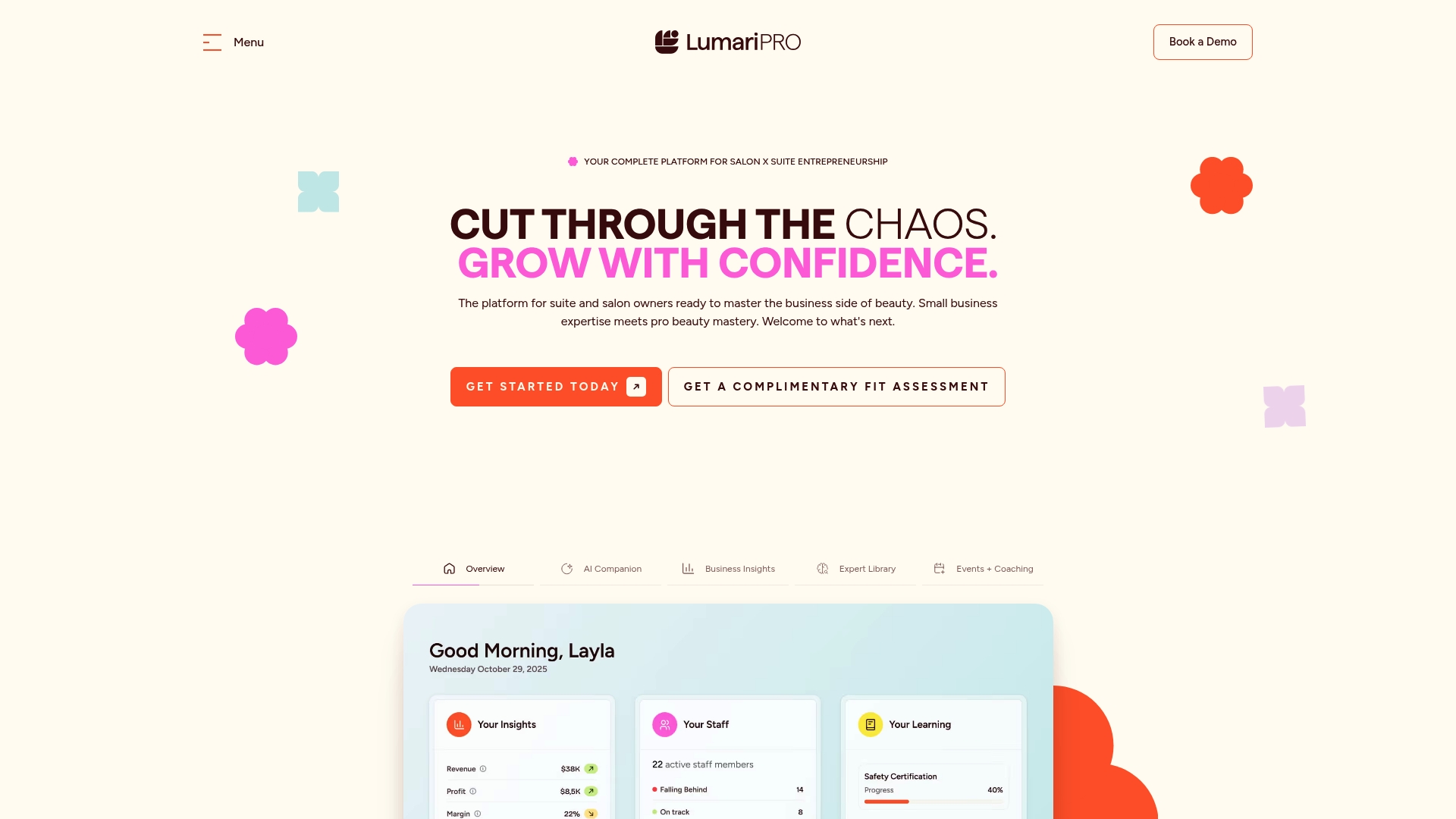
Instead of building a pilot plan from scratch, LumariPRO’s AI coaching and business playbooks give suite owners a pricing rule already scaled to their service mix, and its coaching sessions catch the kind of client-communication mistakes that turn a smart test into a retention problem. For salon owners weighing a peak surge or an off-peak discount, that’s the difference between a pilot you can actually measure and one you’re just hoping works.
Visit LumariPRO’s platform to see how the pricing and coaching tools apply to your own booking data, or explore pricing plans to find a tier that fits a solo suite or a small team.
Sources
Benchmarks in this guide draw from Zenoti’s salon revenue management guide, StyleSeat’s Smart Pricing documentation, and Bella Booking’s service variants guide. For platform details, visit LumariPRO’s homepage or compare features with Xolapp’s salon software guide.
Recommended